Gabb’s Upgrade Program: Upgrade Your Gabb Device Today
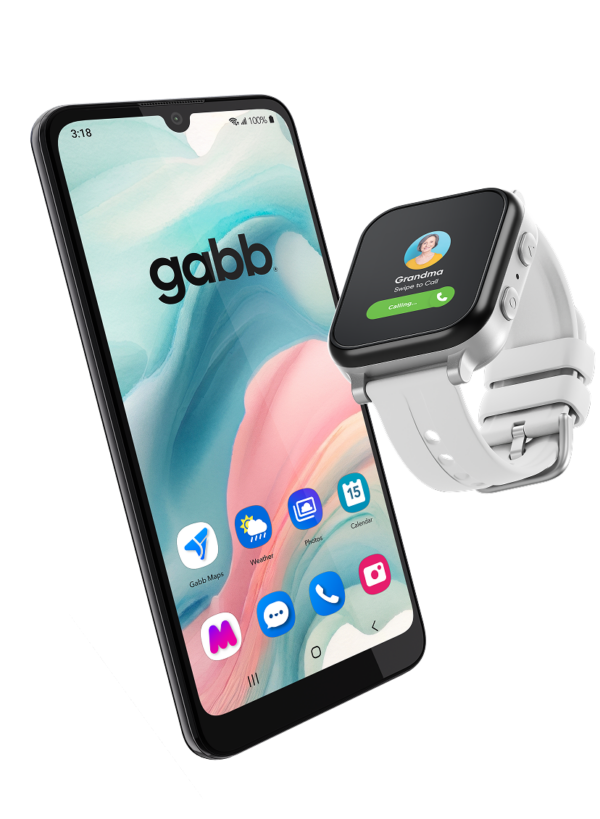
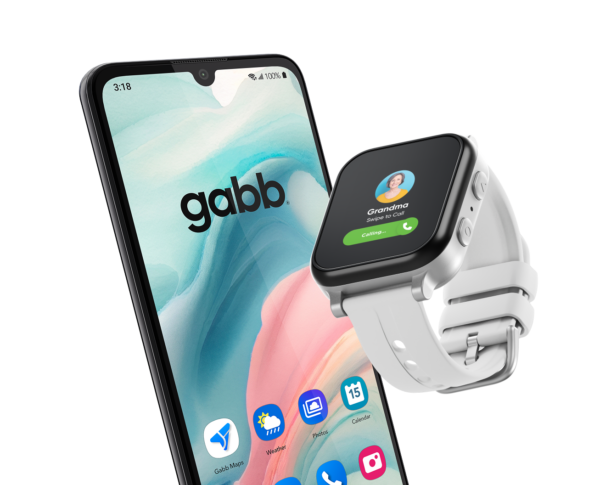
Get a new phone. Keep the same number.
Our upgrade program allows current customers the opportunity to upgrade your Gabb phone or watch at any time, no trade-in needed, and devices may qualify for a special offer.
Log in to your Gabb Account to see if your special upgrade offer is available. You can also contact customer support who can help you with your Gabb account.
Check Upgrade Eligibility
Which upgrade is right for my child?
All Gabb products are designed to provide parents’ peace of mind, giving your child a first device designed to teach children foundational digital skills. Whether it’s time to upgrade from a Gabb Watch to a Gabb Phone, or time to give your teen a phone designed just for them, we’ve got you covered with monthly plan options to meet your child’s needs.
Gabb Watch Upgrade
Ages 5-12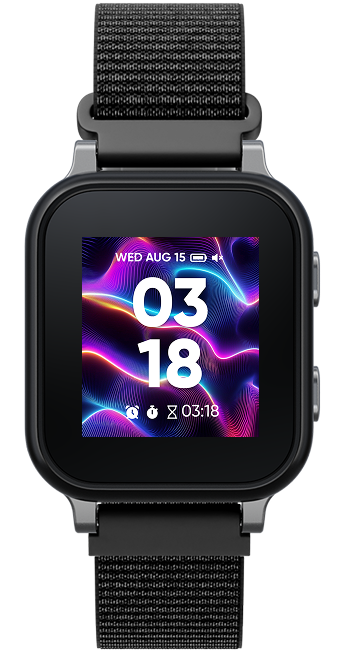
Gabb Watch 3e
Our newest watch, the Gabb Watch 3e, is designed with younger children in mind. The Gabb Watch 3e has helpful safety features and is designed to be a first phone to teach children digital skills.
Gabb Phone Upgrade
Ages 9-14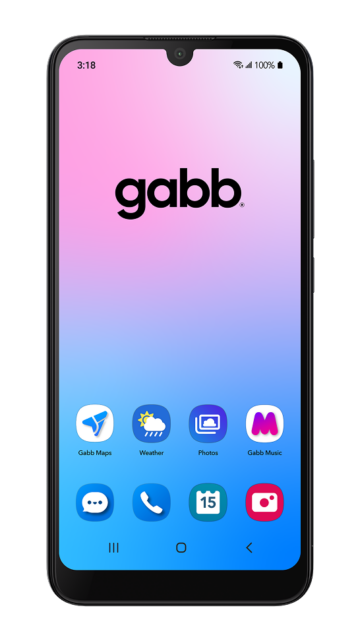
Gabb Phone 4
The Gabb Phone 4 is designed to be the phone for your tween. It comes with only preloaded essential apps, and does not have access to an app store, social media, or internet browsers.
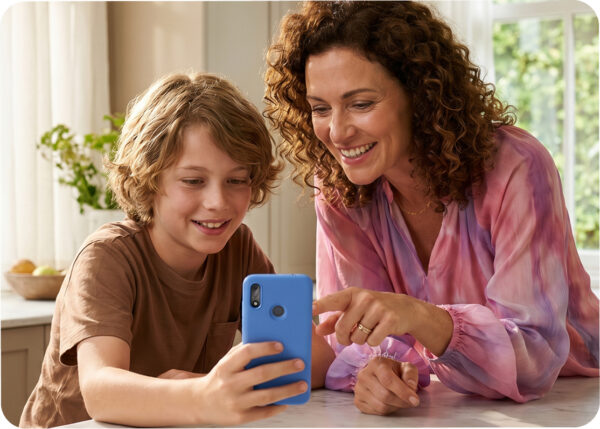
Tech that grows with them.
You know your child's level of tech maturity and responsibility best. With Tech in Steps, you'll find the phone and plan that meets their needs. See a deeper comparison of key features and capabilities each of our devices offers.
Compare DevicesHow the upgrade program works.
Once a line on your account becomes eligible for a discounted upgrade, you can complete the upgrade in just three simple steps.

Tech in Steps™
Kids need tech that meets them where they’re at, not the other way around. As a parent, you know what your kid needs—and we’re here to help. Our safer tech supports your child’s gradual independence, all guided by you.
Discover Tech in StepsFrequently Asked Questions
-
How can I tell If I’m eligible for a discounted upgrade?
- Log in to Your Gabb Account:
- Visit the Gabb Account Dashboard and log in with your credentials.
- View Device Details:
- Once logged in, navigate to the device you are interested in upgrading.
- Click on "View Details" next to the device.
- Check Upgrade Eligibility:
- Select Upgrade Device in the Device Information section. Available discounts (if applicable) will be shown based on your current contract status and the contract you select for your new device.
- Log in to Your Gabb Account:
-
What are the requirements for a discounted upgrade?
You can upgrade your device at any time, but discounted pricing is only available if you’ve completed a 1- or 2-year contract, or have had 12 consecutive months with no contract. If you haven’t yet reached one of these milestones, you may still be able to upgrade — however, an early upgrade fee may apply depending on your current contract and the new contract you choose.
To check your eligibility and upgrade options, follow the steps outlined in the section below.
-
Is there an activation fee if I upgrade?
All new devices have a $30 activation fee.
-
Can I upgrade from a Gabb Watch to a Gabb Phone?
Yes, if your line qualifies for a discounted upgrade, you can upgrade your Gabb Watch for a Gabb Phone. Even if your Gabb Watch is a legacy model (i.e. Gabb Watch, Gabb Watch 2).
-
Do I have to trade in my previous device for a new upgrade?
No, you do not need to send in your previous device. We will send you your new upgrade once you place your order through your Gabb Account.
-
How can I keep the same number on my Gabb Watch when I upgrade to a Gabb Phone?
When your new Gabb Phone arrives you’ll be directed to our Gabb Activation portal (gabb.com/activate) this self-serve portal walks you through setting up service on your new Gabb Phone and allowing you to seamlessly keep the same number. If you run into any hiccups in the activation portal, please reach out to our Gabb customer support team.
-
Are there additional steps required to transition from a Gabb Watch to a Gabb Phone?
- Log in to your Gabb Account.
- Select which existing line you would like to upgrade.
- Select ‘Upgrade Device’ from the left menu. Then choose your new upgrade.
- Place your order.
- Select your bundle, plan length, and warranty option. Confirm your selection, and place order.
What Upgrade Customers Are Saying
Reviews reflect individual experiences. Results may vary.
1 Save up to 50% off select device upgrades vs. full retail price. Eligible devices vary. See eligibility criteria at gabb.com/account.
2 GPS location updates approximately every 15 minutes. Accuracy depends on GPS signal strength, cellular connectivity, battery level, and device conditions. Not a real-time or continuous monitoring service.