
Your kid’s first phone: A practical guide for parents

Knowing when to get your child a phone—and which one—can feel like a lot. This guide walks you through the real questions worth asking, what to look for in a device, and how to set your family up for success from day one.
Is your child ready?
There’s no magic age. Readiness has more to do with maturity than the number of candles on a birthday cake. Before deciding, it helps to ask a few honest questions.
Does your child follow household rules without constant reminders? Can they handle a consequence without falling apart? Do they take care of their belongings? These aren’t trick questions—they’re genuine indicators of whether phone ownership will go smoothly or become a daily battle.
It’s also worth asking why they need a phone. “Because their friends have one” is a different answer than “I want to be able to reach them after school.” Both are valid considerations, but they lead to different decisions about what kind of device actually makes sense.
A useful gut check: if you’re unsure whether your child is ready, think about the last time you set a limit they didn’t like. How did they handle it? A phone isn’t the place to first test a child’s ability to manage boundaries—it’s where you see those habits at scale.

What kind of phone should you get?
A first phone doesn’t need to be a fully loaded smartphone. In fact, starting simpler often goes better for kids and parents alike. The right device depends on what your child actually needs it for—and how much you want to manage after you hand it over.
Standard smartphone (iOS/Android)
Full internet access, app stores, social media. Parental controls are available but require active setup and ongoing maintenance. Kids often find workarounds as they get older. Best for: older teens who need a full-featured device and have demonstrated the maturity to handle it.
Purpose-built kids phone
Designed with safety built in rather than bolted on. No browser, no social media, no open app stores. Simpler to manage, harder to misuse. Best for: kids getting their first phone, especially if your main goal is communication and safety rather than full smartphone functionality.
New vs. used
A hand-me-down is a perfectly reasonable starting point, especially if you’re not sure how responsibly your child will treat it. If you go that route, factory reset the device before handing it over and set parental controls before they ever touch it—not after.
New devices offer better battery life, longer software support, and a cleaner setup experience.
A note on video calling
Video calling is a feature most smartphones include by default, but without proper safeguards it introduces a different set of risks than texting. If it’s a feature your child will use, look for a device that controls who they can connect with—and ideally one that can detect and limit exposure to inappropriate content during those calls.
Parental controls: built-in vs. configured
There’s an important difference between protections that are built into a device and controls you configure yourself on a standard smartphone. Both can work, but they require very different levels of ongoing effort.
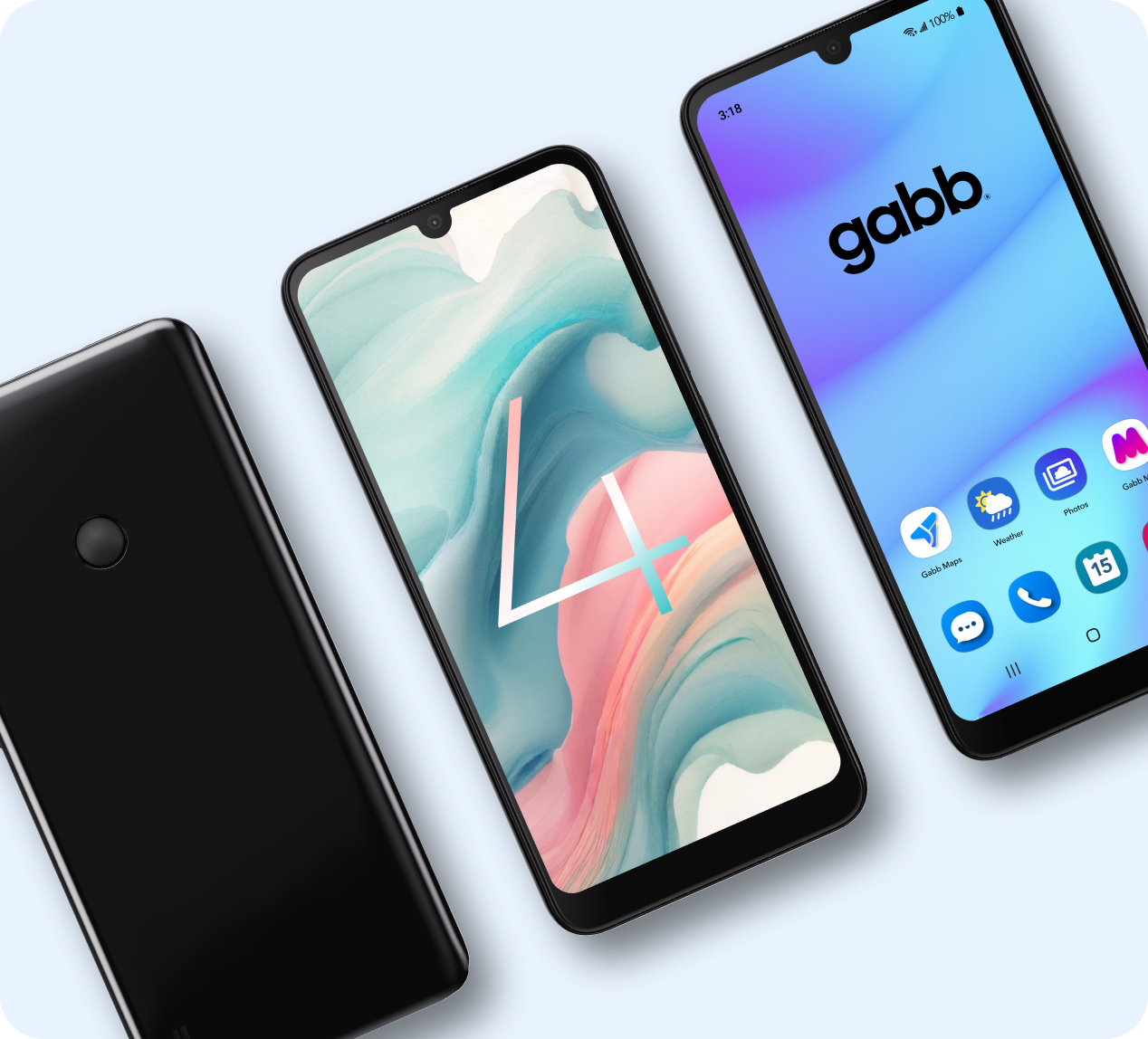
- Built-in protections: Safety is part of the device design. No browser means no browser—there’s nothing to configure or accidentally leave unlocked. This is how Gabb phones work.
- Configured controls: You set up screen time limits, app restrictions, and filters yourself. Effective if maintained, but settings can drift, platforms update, and tech-savvy kids often find gaps.
- Third-party apps: Additional monitoring and filtering tools are available, but quality varies widely. Research before relying on any of them—not all deliver what they promise.
No tool replaces conversation. Whatever device you choose, kids benefit more from understanding why limits exist than from simply having them enforced. The goal is to build discernment, not just install guardrails.

Setting expectations before day one
When a phone arrives as a birthday or holiday gift, kids often feel like it’s entirely theirs. This is the moment when expectations are hardest to set—so set them before the unboxing.
A short, clear conversation goes a long way. Cover when the phone is available, where it lives at night, what’s off-limits, and what happens if the rules aren’t followed. Some families find a written agreement helpful as a reference point. Others prefer regular check-ins. Either way, the framework should be in place before the phone is turned on.
Here are a few suggestions on what to cover:
- When the phone can be used—and when it gets put away
- Where the phone charges at night (ideally not in their room)
- What’s appropriate to text, share, or post—and what isn’t
- Phone-free times: meals, homework, family time
- What to do if something makes them uncomfortable
A word on ownership
Be clear that the phone belongs to the family, not just to them. You’re involved in how it’s used—not because you don’t trust them, but because that’s what responsible ownership looks like at their age.
Talking about online safety
A first phone is a natural moment to talk about things that matter beyond the device itself. You don’t need to cover everything at once—one clear conversation on each topic over time tends to land better than a single overwhelming download.
- Privacy: Personal information—home address, school name, daily routines—stays private. Once something is shared online, you lose control of it.
- Strangers online: People online aren’t always who they say they are. If something feels off, they should tell you—no questions asked.
- Screenshots last: Anything texted or shared can be screenshotted and spread. Encourage them to send only what they’d be fine with anyone seeing.
- Cyberbullying: It can happen to anyone. Make it clear they can always come to you—and that they won’t get in trouble for telling you about it.

Common challenges and how to handle them
Constant phone use
The most common issue. Set screen time limits before it becomes a pattern—it’s much harder to pull back after a habit forms. Device-free times during meals, before bed, and during homework aren’t punishments; frame them as normal household rules that apply to everyone, including you.
Pushback on rules
It’s expected. Stay consistent. If the phone is a privilege that comes with conditions, make sure consequences are clear and followed through. A temporary loss of phone time is one of the most effective tools available.
Something uncomfortable online
Create the conditions where they’ll actually tell you. That means responding calmly when they bring things to you—even things you’d rather not hear. If the first time they tell you something goes badly, it could be the last time they tell you anything.
Outgrowing the device
A first phone doesn’t have to be a forever phone. As your child demonstrates responsibility, you can move to a device with more features. Think of it as earning access over time—a much healthier pattern than starting with everything and trying to restrict it.
Checklist: before you buy
You can use this as a quick gut-check before you commit to a device and plan.
The bigger picture
A first phone is the beginning of a longer conversation about technology, wisdom, and trust. The goal isn’t to keep kids away from the digital world—it’s to help them enter it at the right pace, with the right tools, and with you as a resource rather than an obstacle.

What makes Gabb phones different:
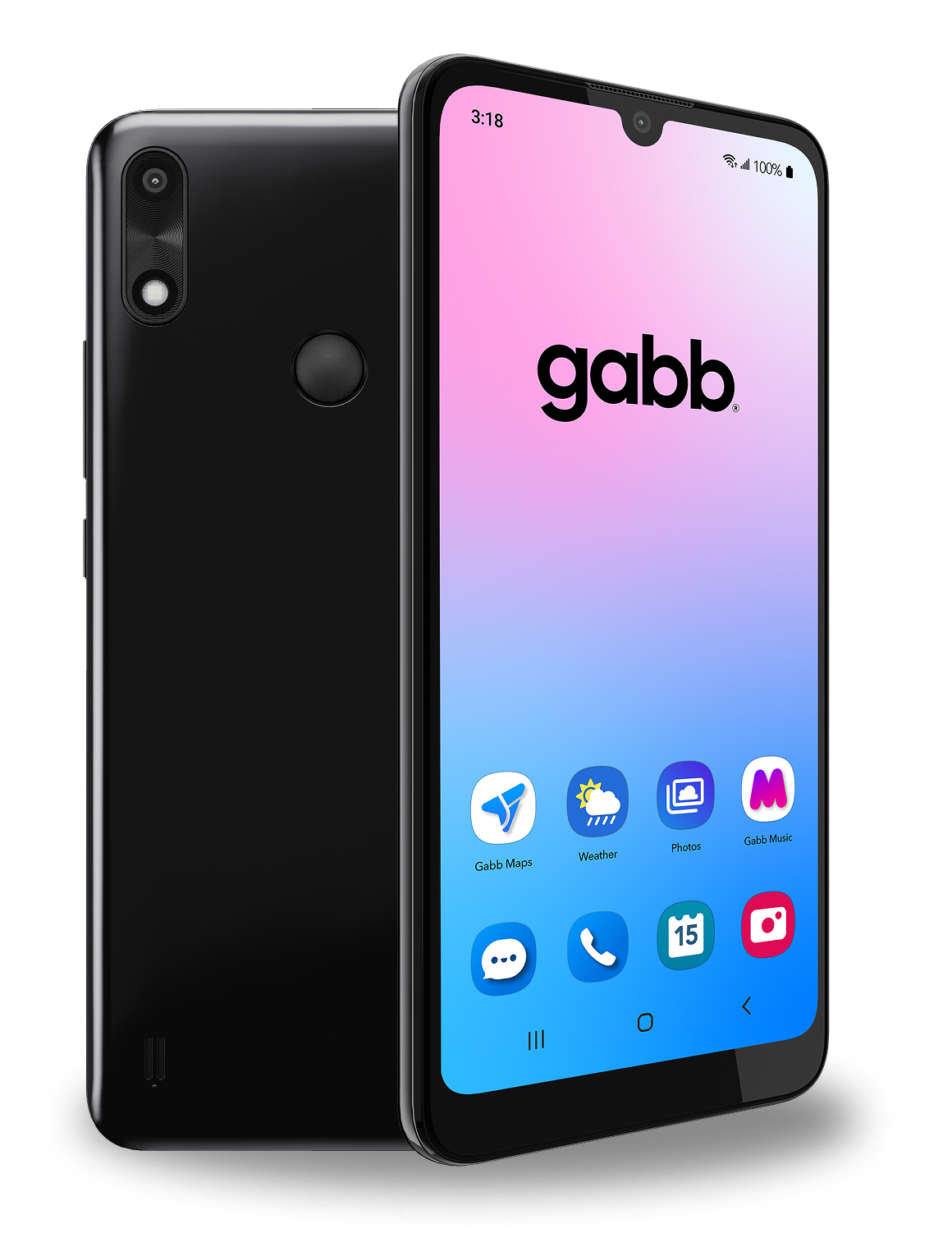
Gabb phones look and feel like real smartphones—but without the web browser, social media, or open app stores that make a first phone so hard to manage. The Gabb Phone 4 is built for kids who need to call, text, and stay in touch, without the rabbit holes. For younger kids, the Gabb Watch keeps it even simpler: calls and texts to parent-approved contacts only.
Gabb Messenger runs through both devices with AI-powered filtering that helps reduce exposure to inappropriate content and alerts parents if something concerning is detected. No filter catches everything, but it’s a meaningful layer of protection that doesn’t require parents to configure anything from scratch.
Ready to find the right device for your kid?
Reviews reflect individual experiences. Results may vary.
Frequently Asked Questions
Can Gabb phones text iPhones?
Yes! Gabb smartphones can text iPhones. Messages sent from a Gabb device appear on an iPhone’s text message app, just like any other text.What is the Gabb Phone age range?
Gabb Phone is recommended for kids ages 9-14. Gabb Phone Pro is recommended for teens ages 13-18.Can you get games on a Gabb Phone?
Yes! The Gabb Phone Pro allows parents to add apps and games to their child’s phone. Use the Gabb App Guide to see which games and apps are currently available. Customers can request additional apps be added to the store through MyAccount. The app is then reviewed by our team, and if it passes our safety standards it will be added to the store.Do Gabb Phones have a time limit?
No, but there’s a good reason for that! Our Gabb devices don’t allow social media or addictive games that will keep kids glued to their screens. Kids can use their phones without the risk of endless scrolling or wasted time.Does Gabb Phone have Youtube?
No. YouTube is a social media app and fails to meet our safety standards.What does a Gabb Phone do?
Gabb phones can make voice or video calls, text, stream music through Gabb Music, plus download and use Gabb approved apps.What kind of phone is a Gabb Phone?
Gabb phones are Samsung devices.Can parents add apps to Gabb Phone?
Parents can only add apps to Gabb Phone Pro, and not Gabb Phone, through MyAccount.How to download apps on Gabb Phone?
Apps are available for download only on Gabb Phone Pro. Parents must first log in to their Gabb account, then click Gabb App Store in the side menu, select the desired device, browse or search for the app, then click Add App. The app will load into the Google Play Store on the child’s device within 24 hours. The child can then download the app on their phone directly from their Google Play Store app.Which Gabb device should I get?
The Gabb Phone 4 is a great basic option with essential safety features, while the Gabb Phone Pro 4 offers the ability to add third-party apps, and has a stronger camera. Check out our comparison chart to learn more about each device.Can you video call on a Gabb Phone?
Yes, kids can make and receive video calls from contacts who have the free Gabb Messenger app downloaded on their device. If nudity is detected on the video call, Gabb Messenger will end the call, block additional video calling, and send the parent a notification.